AMERICAN TRUCK SIMULATOR • BASIC TRUCKING
ATS Mods & Server Guide
This page explains the difference between our three ATS servers so you know what you need before you join. We also show examples of the trucks, trailers, maps and Workshop resources that are part of the Basic Trucking experience.
KNOW BEFORE YOU JOINThree Servers. Three Different Setups.
You do not need the same mod setup for every Basic Trucking server. Pick the server you want to drive on, then use the information below to see what is required, what is optional, and where the full connection instructions live.
SERVER 01
Vanilla / No Mods Required
READY TO DRIVEThis is the simplest way to join Basic Trucking. Bring your normal ATS setup and connect without installing a Basic Trucking mod pack.
WHAT YOU NEED- Your normal ATS installation
- Compatible game version
- No Basic Trucking mod folder required
- No special truck or trailer pack required
SERVER 02
Open Mod-Friendly Server
MODS OPTIONALUse this server when you want more freedom. You do not need the Basic Trucking mod folder just to join, but compatible personal mods can be used when the session supports them.
WHAT YOU NEED- Your normal ATS installation
- Compatible game version
- Compatible personal mods are allowed
- No Basic Trucking mod pack required
SERVER 03
Full Modded Experience
MODS REQUIREDThis is the server for the full Basic Trucking modded experience. Use the detailed connection guide for the current required files, Workshop resources and activation steps.
WHAT YOU NEED- The current Basic Trucking mod setup
- Required Workshop resources
- Correct load order / activation
- Follow the current connection guide
Not sure which one to use? Start with Server 1 if you want the easiest setup. Choose Server 2 if you want a more flexible mod environment. Choose Server 3 if you want the complete Basic Trucking modded experience.
EXAMPLES • NOT EVERY ITEM IS REQUIRED ON EVERY SERVERTrucks & Trailers We Use
These are examples of the trucks and trailers used around the Basic Trucking community. Availability and server requirements can change, so always check the server instructions before installing anything.
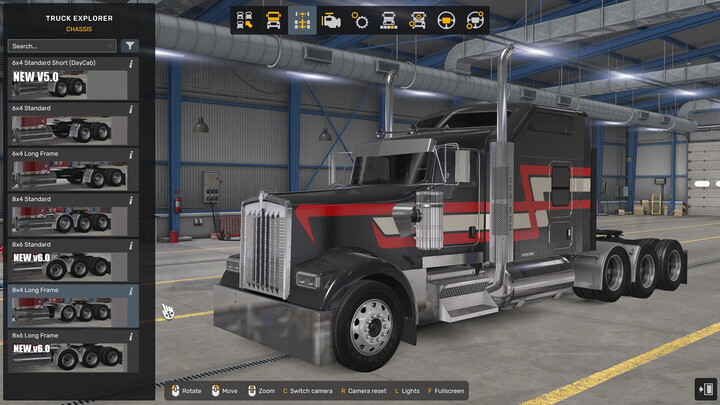
KW W900 Highway Killer
Jon Ruda truck used in the Basic Trucking fleet showcase.
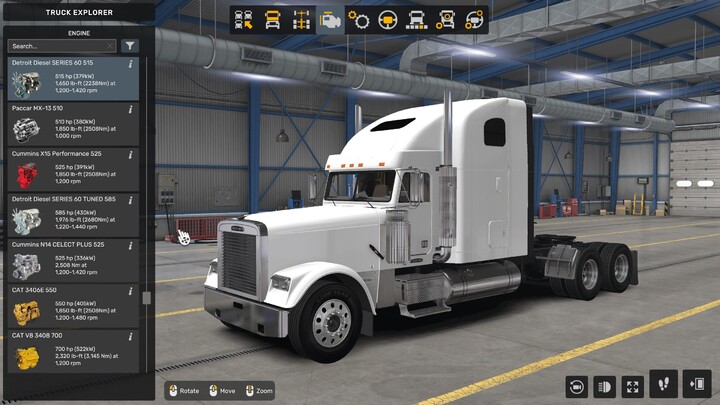
Freightshaker Classic XL
Classic-style truck from the fleet showcase.
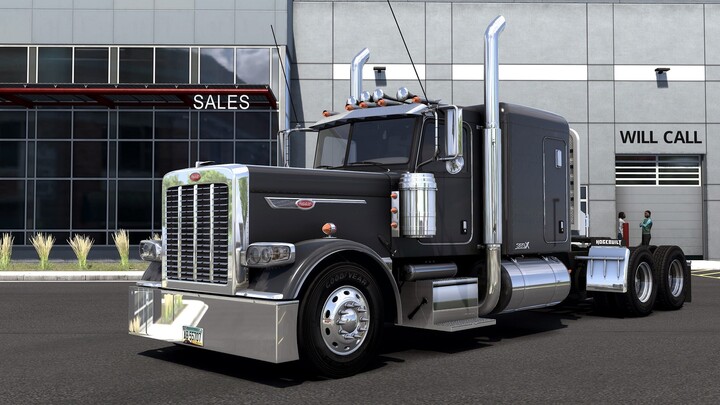
Peterbilt 389 Glider
One of the featured Basic Trucking fleet trucks.
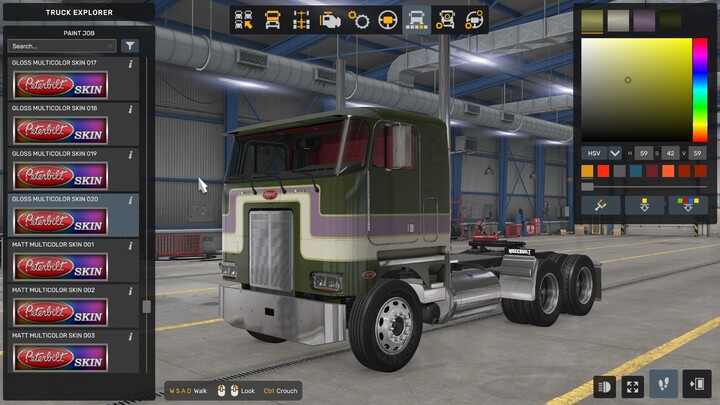
Peterbilt 362 Cabover
Featured cabover truck in the fleet.
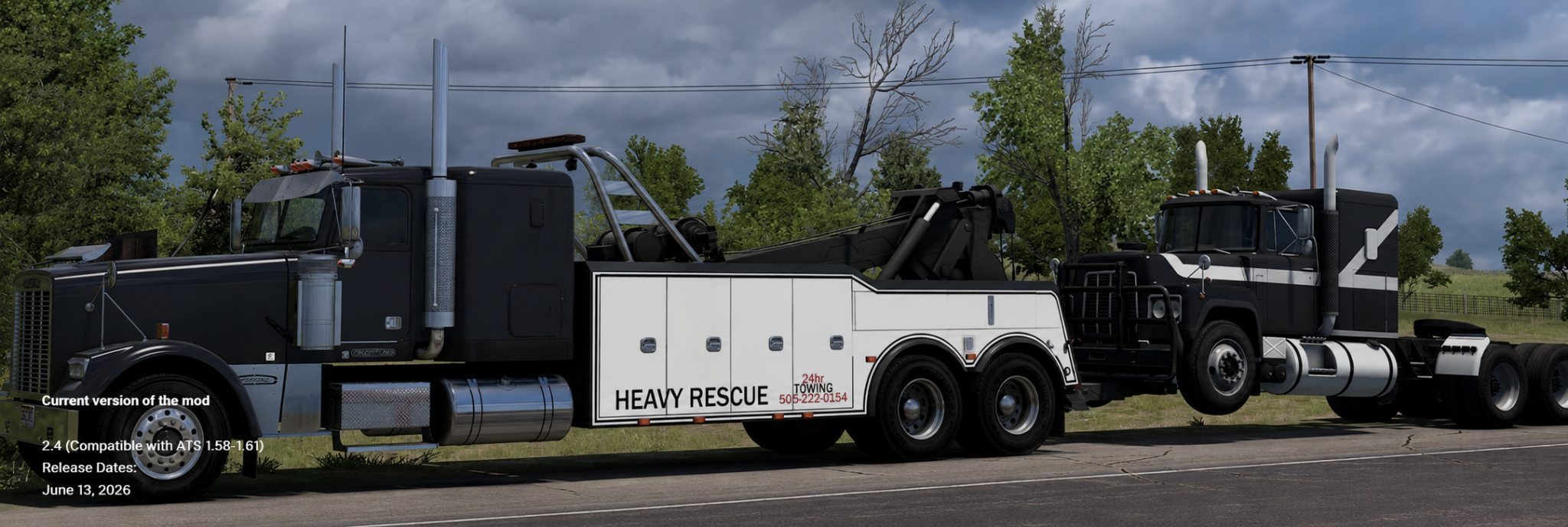
DLC Wrecker
Featured recovery equipment in the fleet showcase.
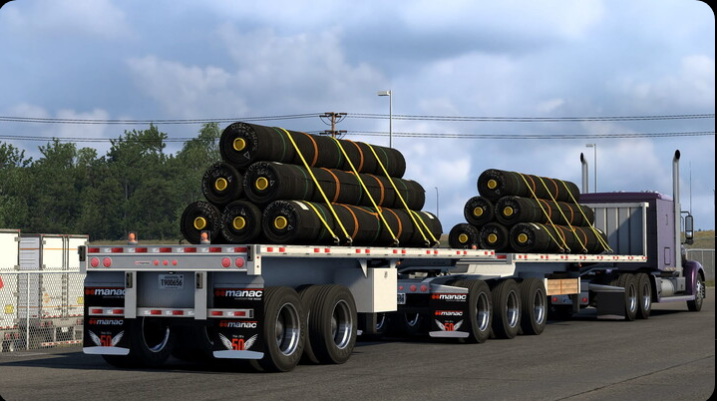
USA Trailer Pack
Trailer pack featured in the Basic Trucking fleet.
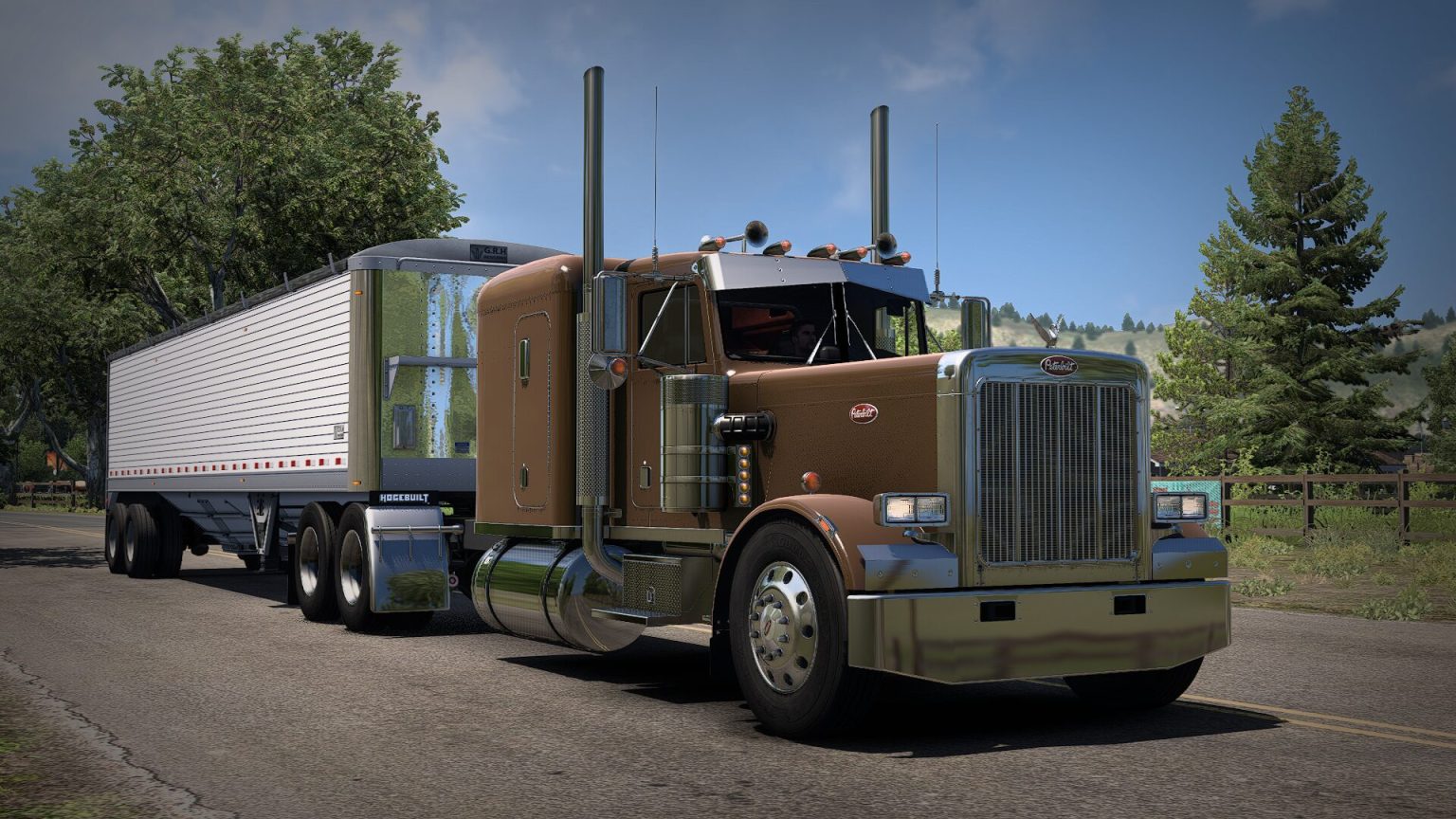
FLX Peterbilt 359
Classic-style Peterbilt 359 from FLX Mods.
MAPS • WORKSHOP • COMMUNITY RESOURCESOther Mod Types You May See
Basic Trucking uses more than just trucks. Depending on the server and current setup, you may see map expansions, environment improvements, company packs and other quality-of-life additions.
MAP MODSMap Expansions
Map combinations such as Reform may be part of a modded setup. Map compatibility and load order matter, so use the current Server 3 guide when required.
WORKSHOPReal Companies
A Workshop resource referenced by the current Basic Trucking connection setup for the modded experience.
WORKSHOPNorth America Background Map
A Workshop resource used as part of the current modded setup. Availability can depend on the current server configuration.
WORKSHOPSiSL's Mega Pack
A popular accessory and cabin-item resource referenced by the current connection setup.
TRUCKSCustom Truck Mods
Our fleet includes classic and custom trucks. Check the Fleet Manager and Gallery for the current showcase instead of relying on an old mod list.
TRAILERSTrailer Packs
Trailer packs and recovery equipment may be used for community driving. Requirements depend on the server and current session.
NOT A MOD PACK ITEMBasic Trucking enforcement uses plugin DLLs, not truck mods.
The enforcement system is separate from truck, trailer, map, and Workshop mods. Drivers who use it install the two small Basic Trucking DLLs in the ATS plugin folder. That means no extra launcher and no changes to the normal mod setup on your profile.
ENFORCEMENT DETAILS → Two small DLLsNo save/profile replacementNo extra app
Need the exact current setup?
Server 3 is the one that requires the detailed modded connection process. The How to Connect page is the final authority for current downloads and installation steps.
